Analytics tool
Track every click
in real time.
Understand where your traffic comes from. Monitor engagement, optimise campaigns, and organise bookmarks efficiently.
Track a Long Link
Data-driven link management.
Understanding where your traffic comes from is essential. Our URL tracker provides powerful link management capabilities that help businesses and individuals monitor engagement.
Customisable tracking parameters and deep link integration simplify the complex world of URL management while delivering actionable audience insights.
Features
Link tracker features.
The insights you need to grow.
Instant Tracking
Generate trackable links quickly. Our user-friendly interface lets you start monitoring clicks in seconds.
QR Code Integration
Automatically generate branded QR codes linked to your tracked URLs for seamless online-to-offline campaigns.
Bookmark Sync
Synchronize with your browser bookmarks via our Extension, organizing and tracking them automatically for improved productivity.
Mobile Deep Linking
Supports app-to-app navigation, creating seamless user experiences between web content and native iOS/Android apps.
Campaign Tags
Categorize links by project, audience, or initiative. Makes performance comparison and ROI calculation straightforward.
Smart Shortening
Transform long, complex URLs into clean, professional links while maintaining comprehensive tracking capabilities.
How to
Use the link tracker.
Start tracking in seconds.
Create an Account
Add Your Links
Customize Parameters
Review Analytics
Why track your links?
Improve Marketing ROI
Automate Bookmarking
Data-Driven Decisions
Universal Compatibility
Ready to never lose a link again?
Save links from web browsers, mobile apps, and social media with Link App. Find all your links in one place, exactly when you need them.
FAQ
Common questions.
Is the URL tracker free?
Yes, our URL tracker is free to use for individuals and small teams, with premium options for advanced enterprise analytics.
Can I track traffic sources?
Absolutely! We identify traffic sources including social media platforms, email campaigns, direct visits, and referrers.
Can I edit the destination URL later?
Yes. You can update the target URL of any tracked link at any time without changing the short link itself.
Where can I use tracked links?
Anywhere! Use them in social media bios, email signatures, print QR codes, advertisements, and SMS campaigns.
How do I create a tracked link?
Paste your long URL into the generator, add optional tags or comments, and click generate. It’s that simple.
Are the links secure?
Yes. All links are encrypted with HTTPS. We also scan for malicious URLs to keep the ecosystem safe.
Do tracked links expire?
Links created with Link App do not expire as long as your account is active and the destination URL works.
What data do I get?
You get total clicks, unique clicks, geographic location (Country/City), device type, OS, and browser data.
Does this integrate with Chrome?
Yes, our Chrome Extension syncs your bookmarks directly to the dashboard for organization and tracking.
Is there a limit on links?
Free accounts can track up to 4 active links simultaneously with unlimited historical data retention.
How accurate is the data?
Our tracking engine provides 99.9% accurate real-time data, filtering out most bots and crawlers.
Can I collaborate with my team?
Yes, you can add team members with customizable permissions to manage and analyze links together.
Blog
Recommended reading.
Feature
Effortlessly Manage and Organize Your Links: A Guide to Link Management with Link App
Unlock the power of effortless link management with Link App
Feature
Create Short Links Easily with Link App: Your Guide to Digital Efficiency
Effortlessly Generate, Manage, and Share Short Links for Amazon, Facebook, Zoom, and More
Feature
Generate Short Links Like a Pro with Link App: Your Key to Digital Success
Efficiently Manage, Optimize, and Share Shortened Links for Amazon, Facebook, Zoom, and More
Feature
The Ultimate Guide to Online Link Savers
Master the Art of Link Organization with Our Comprehensive Guide
Feature
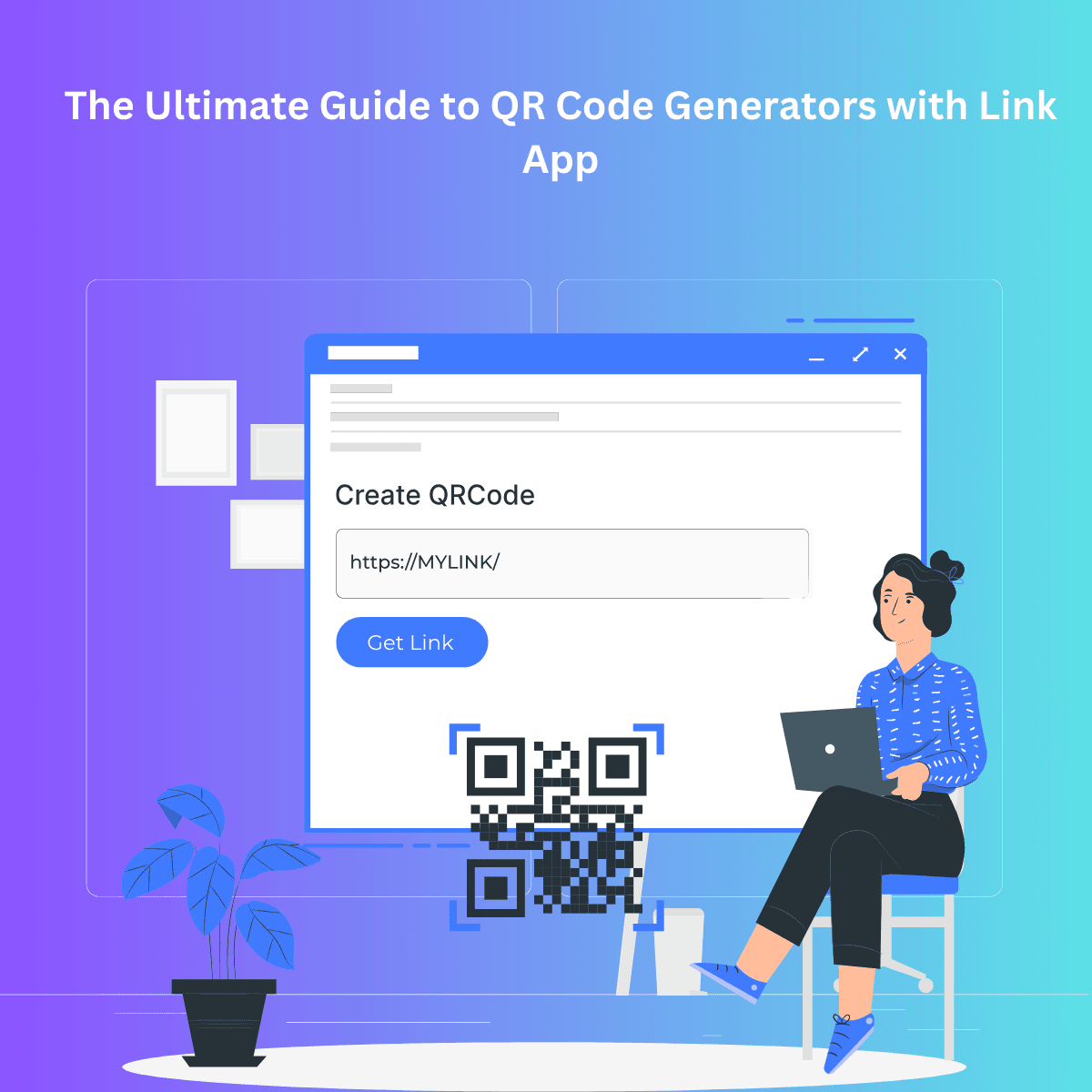
The Ultimate Guide to QR Code Generators with Link App
Create and Customize QR Codes with Ease Using Link App
Problem we solved
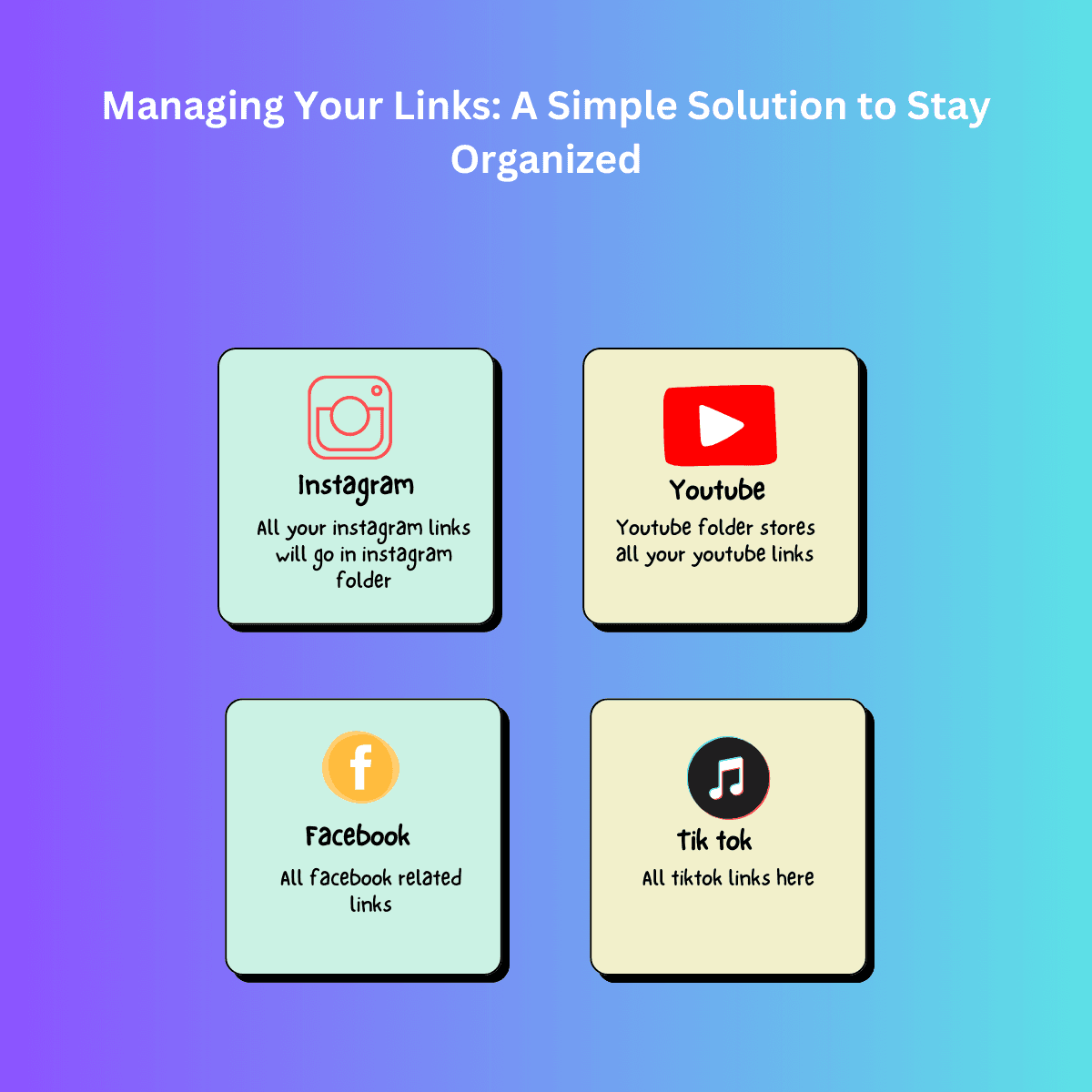
Managing Your Links: A Simple Solution to Stay Organized
The Ultimate Guide to Efficient Link Management

Problem we solved
How to Organize Links and Never Lose Them Again
The Ultimate Guide to Managing Your Digital Links Efficiently
Problem we solved
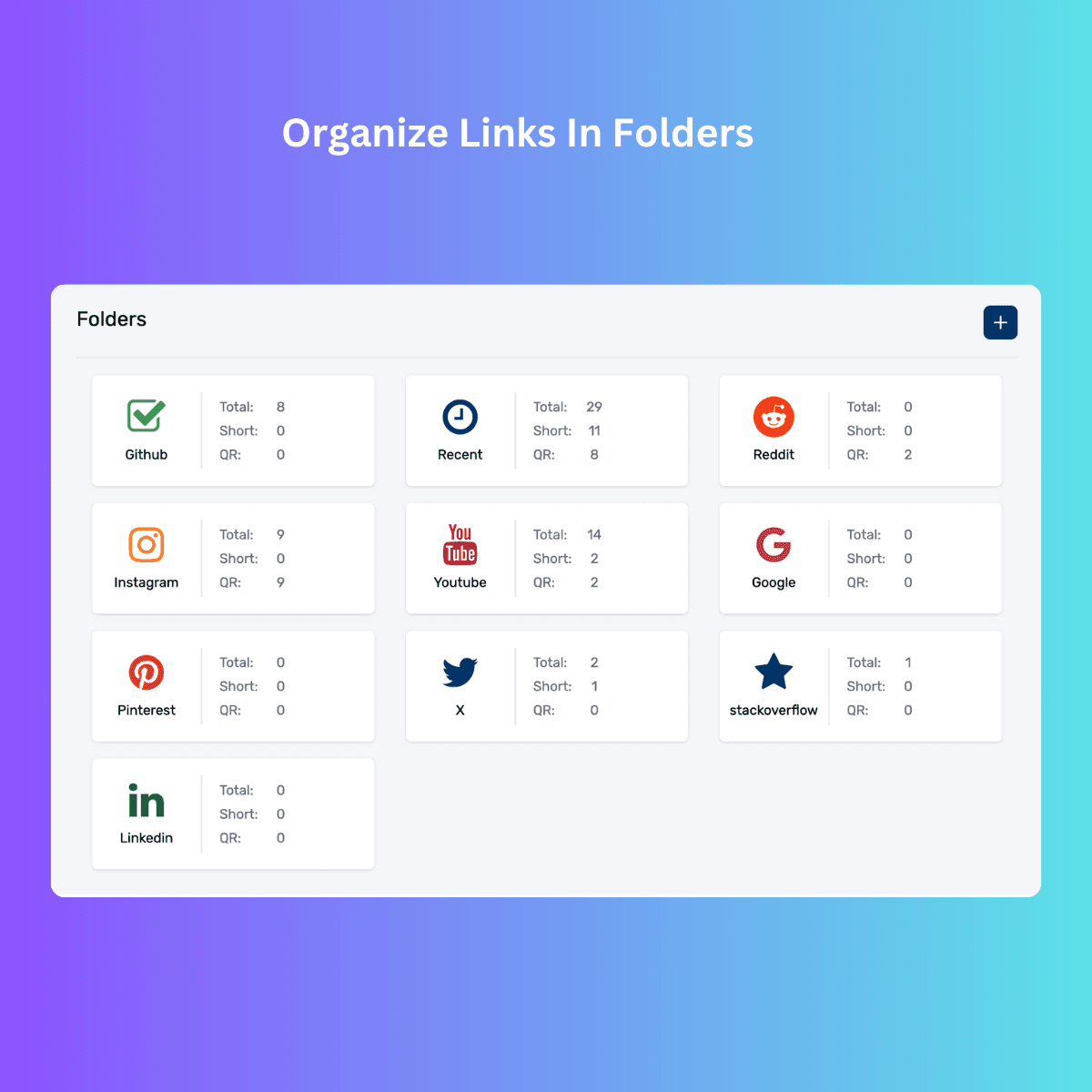
Why You Can't Find Links When You Need Them (And How to Fix It)
The Frustration of Losing Links When You Need Them Most
Problem we solved
Link App: A Simple Solution to Organize Your Links
Streamline Your Digital Life with Effortless Link Management
Problem we solved
Link App: Manage Your Links Across All Devices
Effortlessly Sync and Organize Your Links Everywhere
Problem we solved
How to Organize Links Across Devices with Link App
How to Organize Links Across Devices with Link App | Link Management Tool
Problem we solved
Simplify Your Digital World: Efficient Link Management with Link App
How Link App Simplifies Links Organization

Feature
Chrome Extension Firebase Manifest V3 Boilerplate
Chrome extrnsion setup with firebase manifest v3
Link App Features
Why Everyone Needs a Link App in Their Toolkit
Essential Features to Look for in a Link App
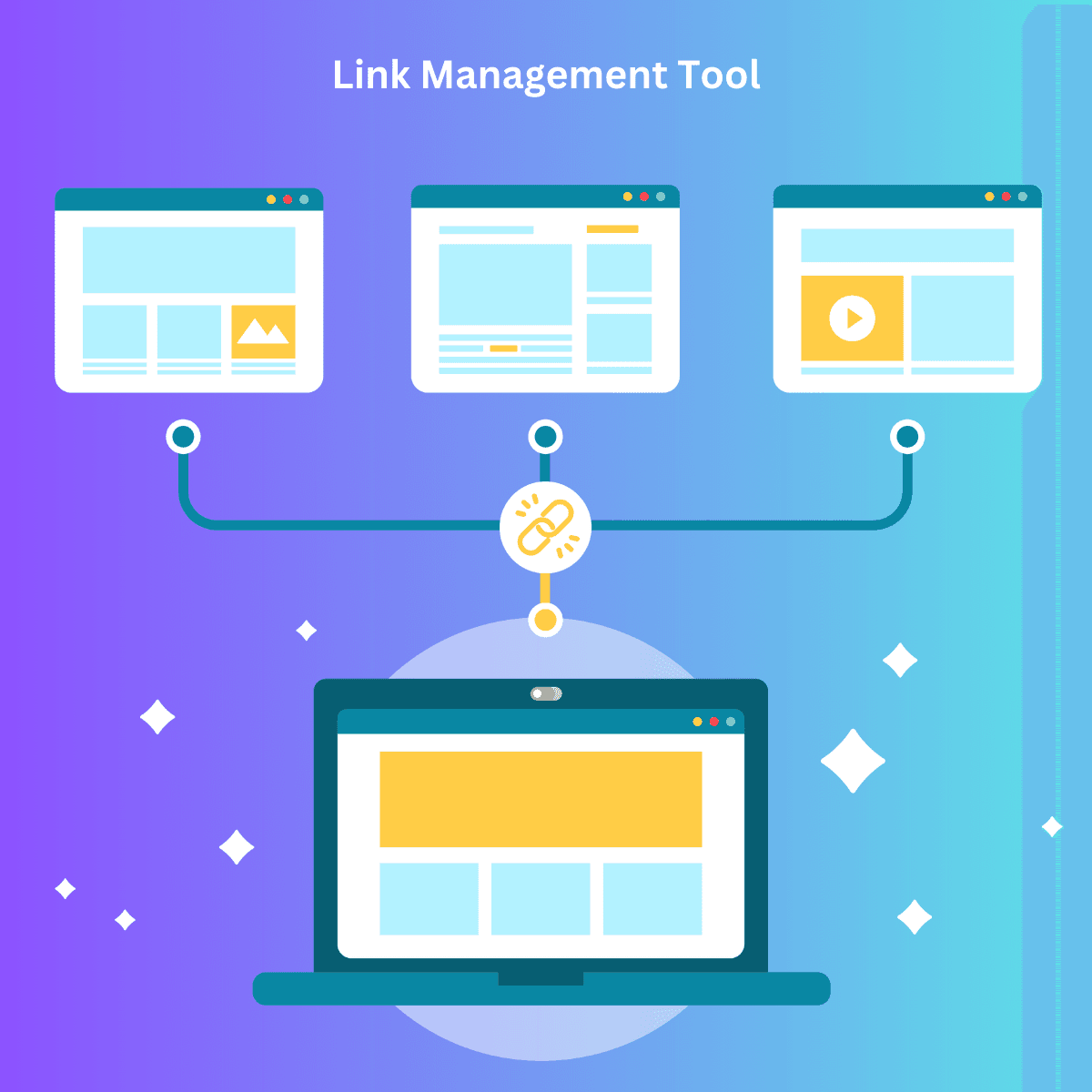
Link App Features
Streamline Your Digital Life: Managing Links with Link App
Effortlessly organize, sync, and share your links across devices with Link App

Link App Features
Effortless Link Management: How Link App Saves You Time
Unlock the full potential of your digital workflow by using Link App to manage, organize, and share links seamlessly across all your devices
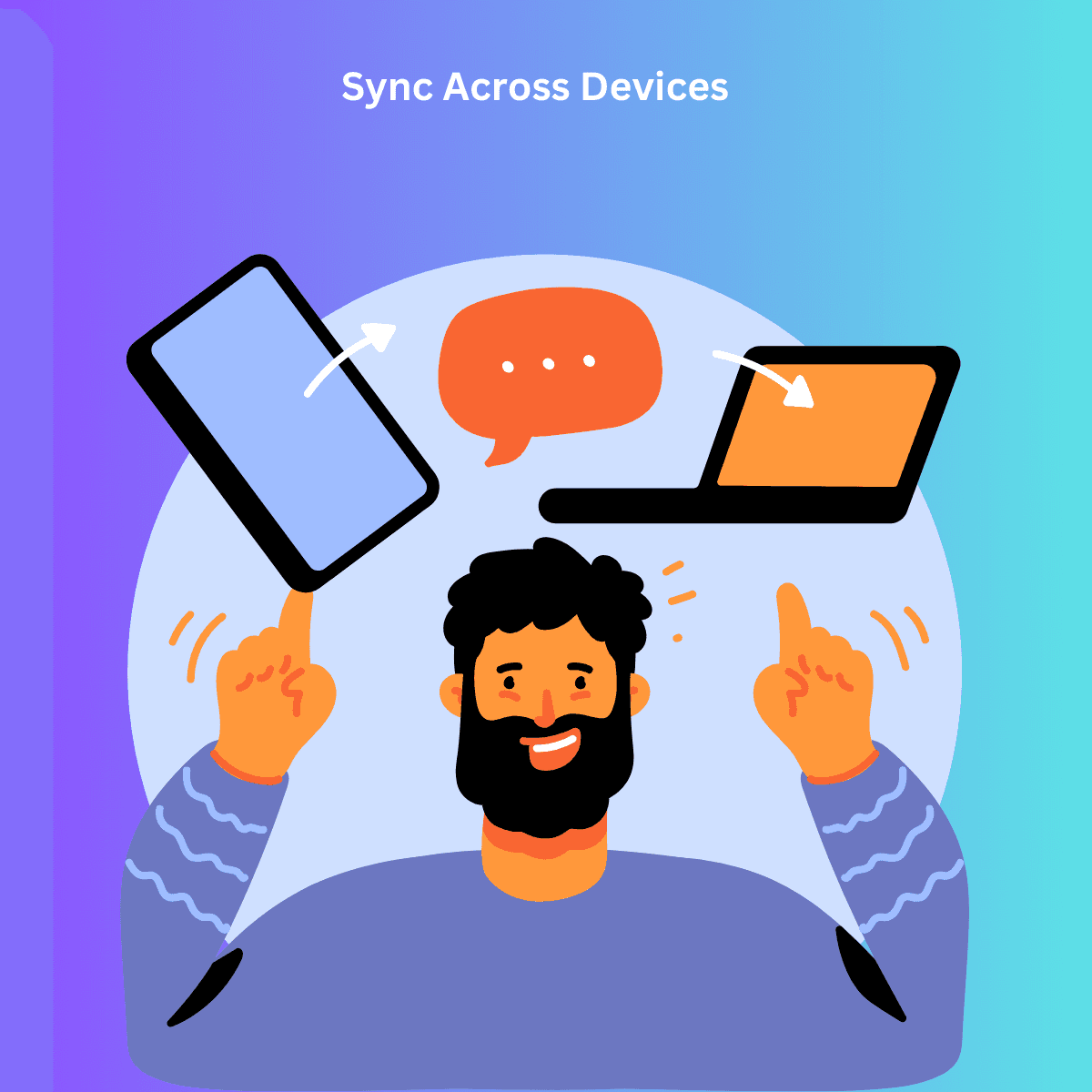
Link App Features
Why Link App is the Best Tool for Managing Links Across Platforms
Discover why Link App stands out as the ultimate solution for managing links seamlessly across multiple platforms, from mobile to desktop.
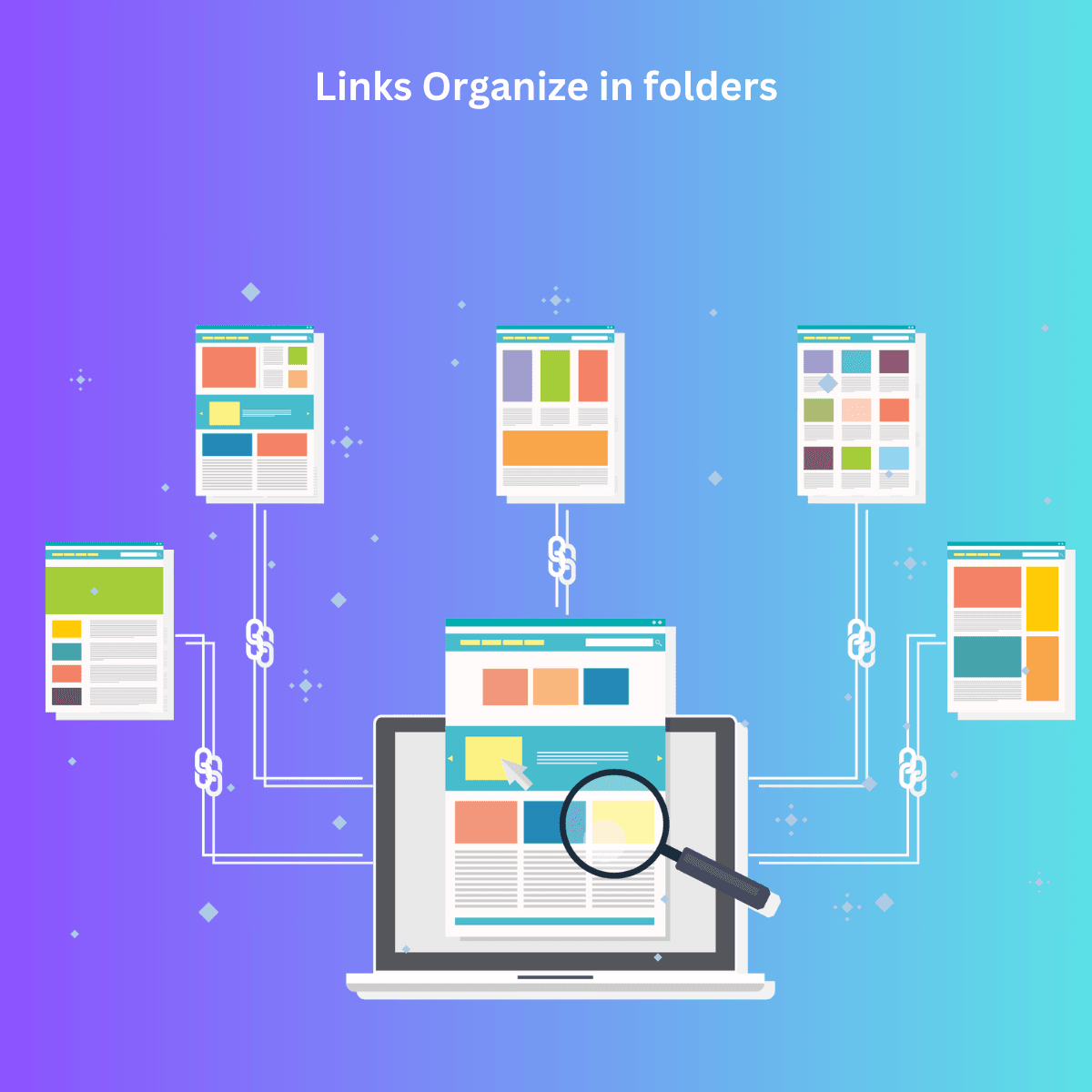
Link App Tips
Top Tips for Organizing Your Links with Link App’s Folder SystemTop Tips for Organizing Your Links with Link App’s Folder System
Discover how to easily organize your links using Link App's powerful folder system, helping you stay productive and access your saved links quickly.
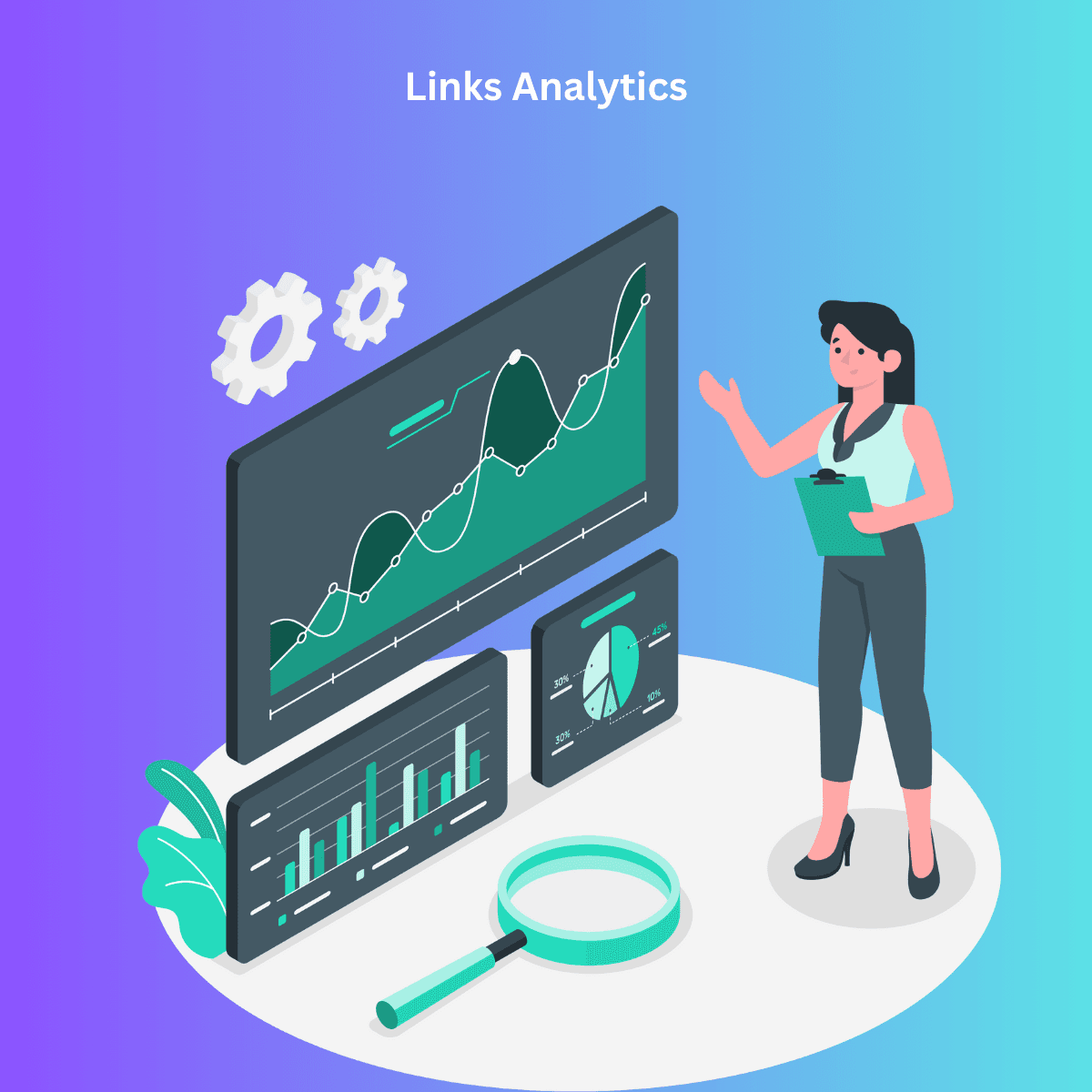
Link App Tips
Track Link Performance Like a Pro Using Link App Analytics
Master the art of tracking link performance with Link App’s analytics tools and gain actionable insights to improve your online strategies.Master the art of tracking link performance with Link App’s analytics tools and gain actionable insights to improve your online strategies.
Link App Tips
Link App: The Simple Way to Save and Manage Links
Discover how Link App makes saving and managing your links easier than ever, helping you stay organized across all devices.
Link App Tips
How Link App Can Help You Organize Your Digital Workspace
Learn how Link App can streamline your digital workspace by organizing links, improving productivity, and syncing across devices.
Link App Tool
Link App: A Must-Have for Streamlining Your Link Collection
Discover how Link App simplifies the process of collecting, organizing, and managing all your important links in one place.
Link App Savvy
Why Tech-Savvy Users Love Link App for Managing Links
Find out why tech enthusiasts and professionals trust Link App to organize, save, and manage their links with ease.

Link App Projects
Managing Links for Projects: Link App’s Best Practices
Streamline Project Link Management with Link App's Pro Tips and Best Practices
Link App Tips
Why Link App is the Ideal Tool for Digital Professionals
Discover why Link App is the top choice for digital professionals seeking efficient link management across devices.

Link App Tips
Link Management for Beginners: A Step-by-Step Guide for Those New to Link Management Tools
Learn the Basics of Link Management and How to Use Link App to Organize Your Links Effortlessly
Link App Tips
Top Tips for Organizing Your Links with Link App’s Folder SystemTop Tips for Organizing Your Links with Link App’s Folder System
Discover Essential Tips to Streamline Link Management and Boost Productivity Using Link App
Problem we solved
Can’t Find That Link? Let Link App Do the Searching!
Discover How Link App Simplifies Searching and Saves Time by Organizing Your Links
Link App Features
Search Smarter, Not Harder: Find Your Links with the Link App Android App!
Discover How the Link App Android App Helps You Effortlessly Search, Organize, and Retrieve Links on the Go
Problem we solved
Link Tracker Free: LinkApp - The Ultimate Solution for Smart Link Management
Discover How Link App Simplifies Organizing Your Links